Buyer pipeline
Buyer pipeline software for real estate agents
See every buyer on a board or in a list, in the stage they are in. Buyerbase moves a buyer forward when documents are approved, a viewing is confirmed or a bid is won.
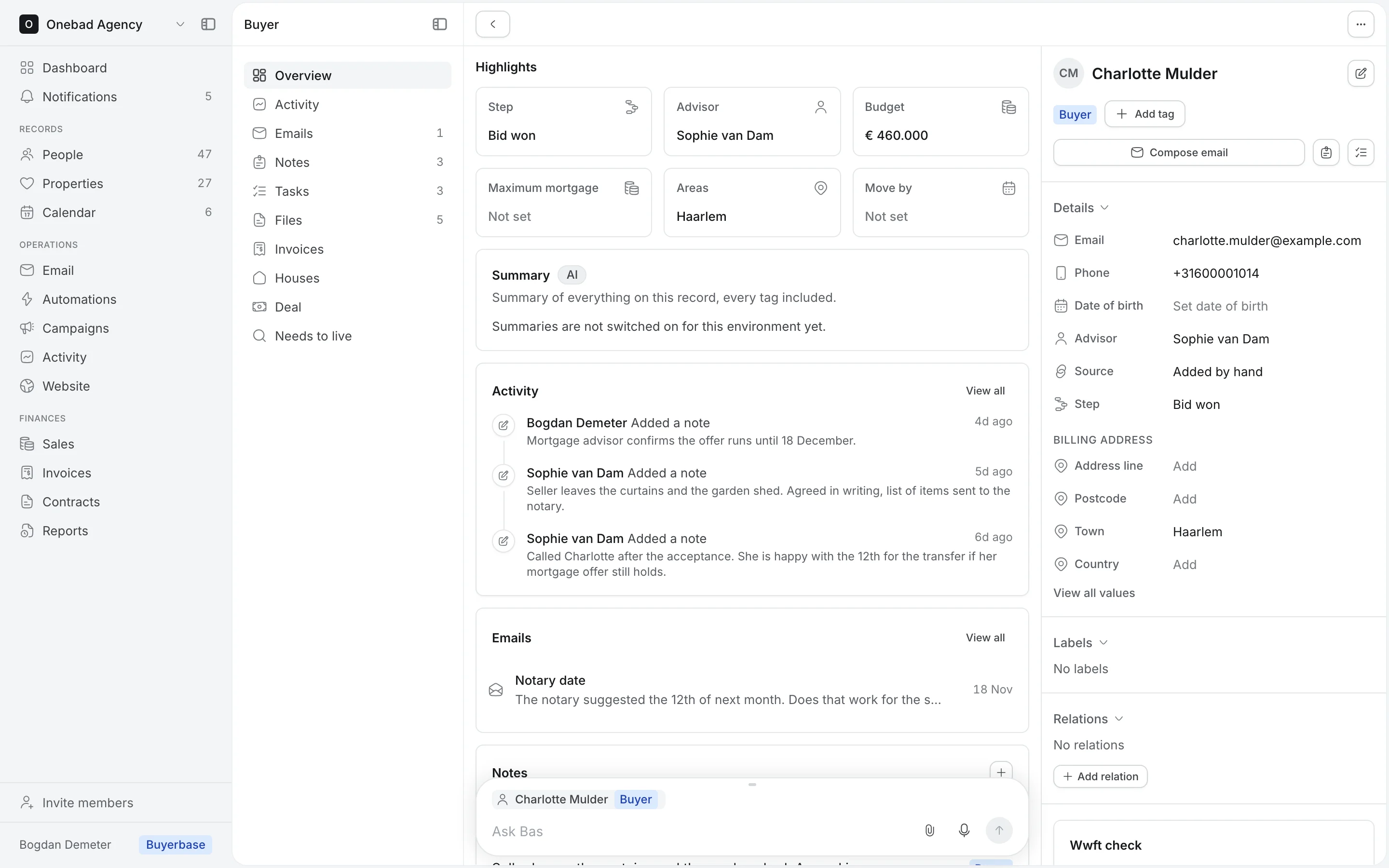
What the buyer pipeline shows
The board answers one question: where is each buyer, and what happens next.
List or board
Switch the Buyers tab between a list and a board. Buyerbase remembers the mode you chose for each tab.
Eleven stages
A new agency starts with Onboarding, Uploading documents, Meeting & house filter, Mortgage advisor meeting, Mortgage choice, Scheduled viewings, Moving forward, Bidding, Bid won, Contract signing and Archived. Not moving forward and Deleted sit beside them as side columns.
Cards with the next action
Each card shows the agent, the days in the stage, the budget or mortgage, approved documents, open bids and the next milestone. It also names the next action, such as a rejected document, a viewing to confirm or the documents still missing.
Drag to change a stage
Drag a card to another column, or right-click it and choose Move to. The same works with the keyboard, and on a phone you press and hold the card.
Totals above the board
The header counts the buyers in the pipeline, their total mortgage value and how many need action. A buyer needs action after more than 14 days in the same stage.
Quick actions on cards
Add a note, add a task or write an email to a buyer straight from their card, without leaving the board.
How it works
How the buyer pipeline moves buyers
- 01
Something happens on the record
Once every required document is approved, a buyer in Onboarding or Uploading documents moves to Meeting & house filter. A saved mortgage estimate, a confirmed first viewing, a positive viewing, an open or won bid and a completed sale each move the buyer to their own stage.
- 02
The buyer moves forward
Rules only move a buyer forward, and never over a stage you changed by hand in the last 24 hours. Each move shows in the timeline and can be undone for 7 days.
- 03
The standard tasks follow
When a buyer enters a stage, the standard tasks for that stage appear and the open tasks of the previous stage close. This happens for a move by rule and for a move by hand.
Who works in the buyer pipeline
The board is built for the people who guide buyers from first contact to the notary.
Buying agents
The My people page shows the same tabs, list and board, filtered to the people you are agent for. Agents move their own buyers.
Owners and admins
Owners and admins see every buyer, move any of them, switch each automatic rule on or off and edit the columns.
Teams with their own process
An agency that works in other steps renames, reorders, adds or deletes columns, and the rules keep working in the new order.
Buyer pipeline questionsShort answers.
Can I change the stages of the buyer pipeline?
Does the pipeline move buyers automatically?
Is there a board with only my own buyers?
How do I see which buyers are stuck?
Property database
Property database software for real estate agents
Every house on one record, as a list, cards or a board, with photos, fields and matching buyers.
Property matching
Property matching software for buying agents
Every listed house scored against every buyer, from saved criteria and what buyers like or pass on.
Viewing scheduling
Viewing scheduling software for real estate agents
Plan viewings in one agency calendar, remind buyers and file a report after each visit.
Start free today
Everything included, no card until your first sale. Or talk to sales and we will show you around.